


Gemini’s Gems become Skills and Spark becomes Tasks: what you need to know
From 17 November, Gems on personal accounts will automatically convert to Skills. Some features are still missing, so it is worth backing up your instructions now.
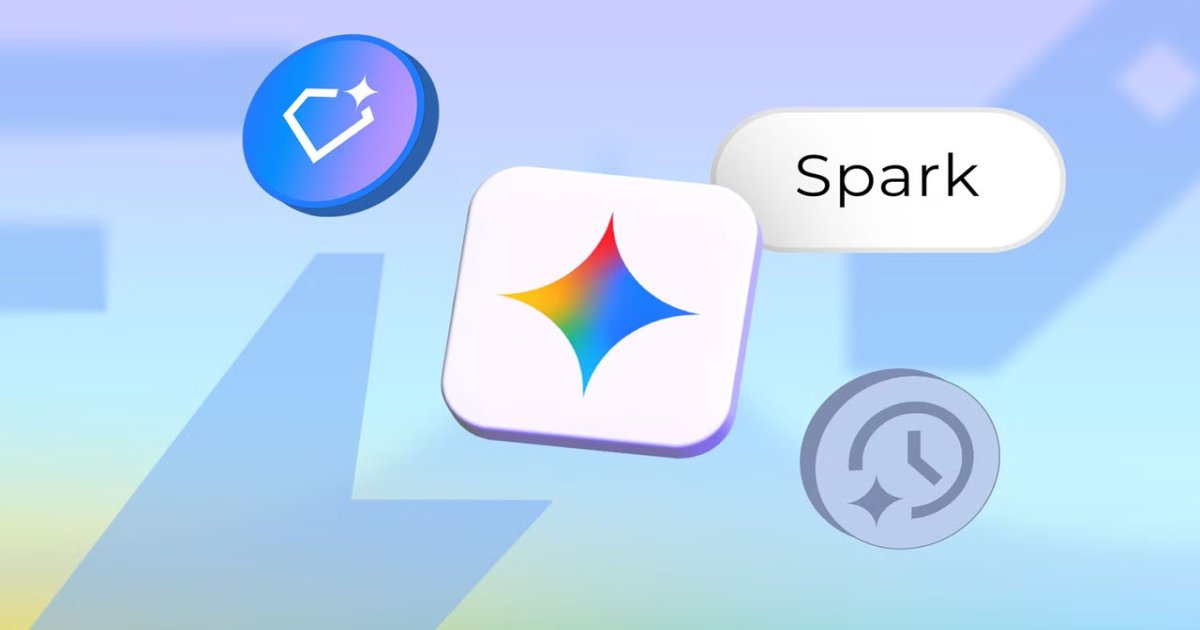
Google is renaming and reworking Gems, Gemini’s custom AI bots, as Skills. From 17 November, Gems on personal Google accounts will start converting to the new format automatically. Spark, the AI agent that works while you are away, now appears in Gemini chat as Tasks. Android Police has detailed the changes.
From Gems to Skills
You can pick a Skill by typing a slash (/) in the chat box, and Gemini can also apply a suitable Skill on its own when it matches your request. The big advantage is that several Skills can run in the same conversation: one might keep a company’s brand language consistent while another sets the writing tone. That cuts down on passing information between separate bots.
Skills do not yet support everything Gems did. Built-in tools such as Canvas, Deep Research, Guided Learning, and video and music generation do not work, and you cannot yet share Skills or attach files from Google Drive. If you rely on Gems that use these features, set up alternatives before 17 November. Work and school accounts will get the change in 2027.
Scheduled Actions: set tasks at set times
Scheduled Actions let you decide when and how often an instruction runs; Gemini does the work in the background and delivers the result on time. Examples include a morning summary of your schedule, to-dos, and email, or outfit suggestions based on the forecast. Up to 10 actions can be active at once. A Google AI subscription is no longer required, though the feature is rolling out gradually to free accounts and needs Keep Activity turned on.
Two limitations: Gemini generates results within the hour before the scheduled time, so fast-changing information may be out of date. And for location-based tasks such as weather, it uses the location you were in when you created the action, so you need to update it in the settings when you travel.
Spark, now Tasks: work done while you are away
Spark is an AI agent that can complete multi-step tasks on its own. The new interface calls it Tasks, though Google’s help pages still use the Spark name. It runs on a Google Cloud virtual machine, so it keeps working even if you close your laptop or lock your phone. It can research competitors, complete multi-step tasks on websites, or unsubscribe you from unwanted newsletters. It can also be triggered by events, such as alerting you when a flight price drops below a set limit.
Spark can ask for permission before sending messages, changing data, making purchases, or submitting forms, and hands control back to you when a password or payment details are needed. Google itself says these safeguards cannot prevent every risk. Spark requires a Google AI Pro or Ultra subscription and Keep Activity turned on, and up to 15 tasks can run at once.
Back up your old Gems
With names and structures changing, Android Police recommends copying each Gem’s instructions into a Markdown file and downloading any knowledge files attached to it. This is especially important for Gems that depend on specific instructions or files.








Comments